Work in progress documentation
This section contains "work in progress" documentation segments that will eventually be moved to their own pages.
QR code generator
Users can click on the Generate QR code button to generate and print QR codes.
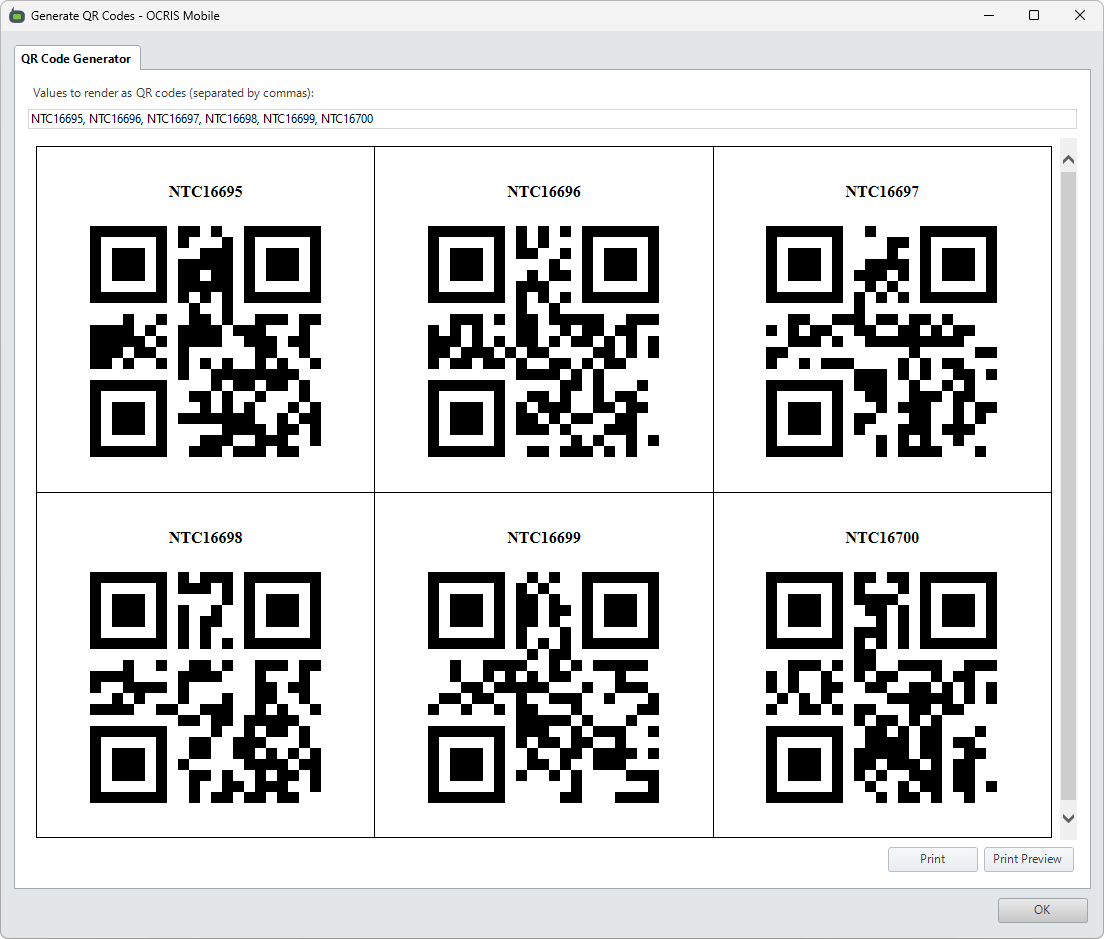
Any cell values selected on the worksheet grid will be automatically rendered as QR code. Additional values can be added by editing the text field, with each value being separated by commas.
The Print button can be used to print out the QR codes.